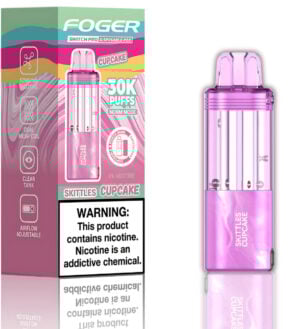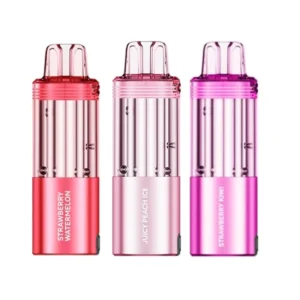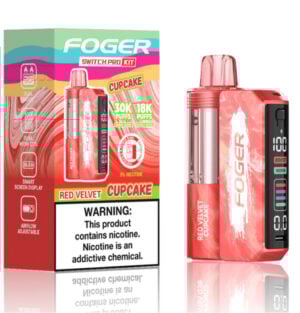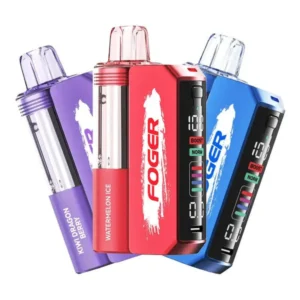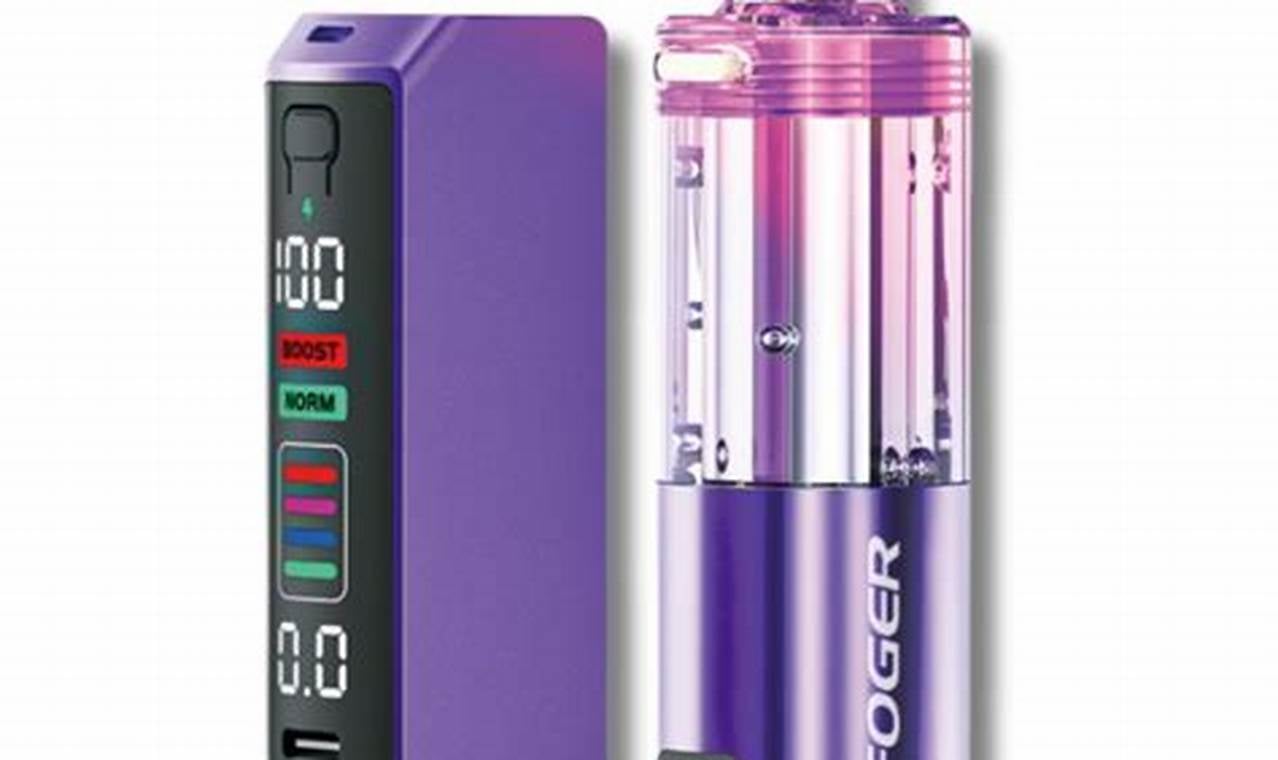
Foger offers a unique twist on disposable vapes with its modular systems, such as the Bit 35K and Switch Pro 30K. Unlike most single-use vapes, these devices utilize rechargeable power banks and magnetic connectors rather than standard charging ports. This design not only minimizes waste but also extends battery life. However, the system’s novelty can be confusing for new users. This guide provides a complete overview, detailing the setup, maintenance, and troubleshooting of your Foger magnetic charger.
TLDR:
- Magnetic power bank: The Foger Switch Pro uses a reusable magnetic power bank that snaps onto the flavor pod. You charge the dock via USB‑C, and it charges the pod.
- Step‑by‑step charging: Snap the pod onto the magnetic dock, plug a USB‑C cable into the dock, and watch the display tick up. For the Bit 35K, plug a cable directly into the device.
- Avoid fast chargers: Foger recommends using a standard 5V/1 A charger. High‑wattage laptop or phone chargers may trigger safety cutoffs.
- Common issues: Pocket lint blocking the port, over‑voltage lockout, and faulty cables are the top reasons the charger fails. Regular cleaning and using the right charger solves most problems.
- Battery life: The Switch Pro and Bit 35K use an 850 mAh battery; it takes roughly 45–50 minutes to charge.
Who This Guide Is For
New Foger users: If you just purchased the Switch Pro or Bit 35K, this guide will help you set up the magnetic charger and avoid common mistakes.
Seasoned vapers switching from disposables: The Foger system is different from typical all‑in‑one devices. Understanding the modular battery helps you maximize its lifespan.
Budget‑conscious shoppers: Buying a reusable charger and replacing only flavor pods cuts costs over time, as a properly maintained power bank lasts months.
People who travel often: Modular systems allow you to carry a charged power bank and an extra pod without worrying about running out of power mid‑trip.
Understanding the Foger Magnetic Charger System
How the System Works
In traditional disposable vapes, the battery and e‑liquid are in one unit. When either runs out, you discard the entire device. Foger’s Switch Pro separates the battery from the pod: an 850 mAh power bank attaches magnetically to the flavor pod. This keeps the charging circuitry away from e‑liquid, preventing leaks from damaging the electronics. You charge the dock via USB‑C; it then charges the pod when connected.
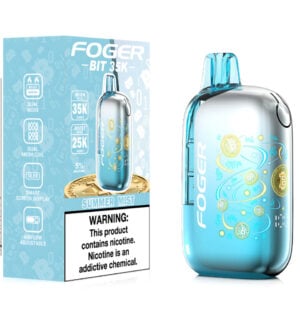
The Bit 35K is an all‑in‑one device with the same battery capacity but includes an external USB‑C port. It uses a clear “bitcoin” style screen to show the charge percentage.
Recommended Charging Equipment
Not all USB‑C cables and chargers are equal. Foger advises using a standard 5V/1 A charger, such as a computer’s USB port or a low‑power wall block. High‑wattage chargers from laptops or smartphones perform a digital handshake to negotiate voltage. Foger devices lack the expensive chip required for this handshake. As a result, fast chargers may either deliver zero power or send too much voltage.
Charging Steps for the Switch Pro
- Snap the pod onto the magnetic dock. You’ll feel the magnets align the two pieces.
- Plug the USB‑C cable into the bottom of the dock. Don’t plug into the pod; it has no port.
- Watch the smart screen. It will display the battery percentage rising.
- Remove when full. Once it reaches 100%, disconnect the cable. Leaving it plugged in overnight can degrade the battery.
Charging Steps for the Bit 35K
- Insert the USB‑C cable into the device’s bottom port.
- Check the transparent screen. A lightning bolt icon appears along with the current charge percentage.
- Unplug at 100%. Prolonged charging can shorten battery life.
Charging Time and Specs
According to Foger’s quick reference, charging to 100% takes roughly 40–50 minutes. The Switch Pro power bank and Bit 35K both have an 850 mAh capacity. The CT10000 (another Foger model) holds a 650 mAh battery and charges slightly faster. Charging times assume it’s a 5V/1 A source; high‑wattage chargers may trigger the over‑voltage protection and halt charging altogether.
Troubleshooting Common Problems
Pocket Lint Blocker
About 40% of charging issues stem from lint or debris lodged in the USB‑C port. Use a non‑conductive tool (like a wooden toothpick) to gently scrape out lint. Avoid metal objects that could damage the port.
Over‑Voltage Lockout
Using a fast charger can cause the device’s microcontroller to shut down to protect the battery. If your Foger won’t charge, disconnect it for 30 minutes to reset the chip, then try a low‑power charger. Avoid chargers rated above 2.4 A output.
Faulty Cable
Some cables fail internally or aren’t wired correctly for data and power. If the device still won’t charge after cleaning and using a low‑power block, test another cable.
Dirty Magnetic Contacts
For the Switch Pro, if the pod isn’t connecting or charging, check the gold‑plated magnetic pins. They can accumulate dust or oxidized e‑liquid. Dip a cotton swab in isopropyl alcohol and gently scrub the pins. Allow them to dry for 30 seconds before reconnecting.
Best Practices for Battery Longevity
- Charge on stable surfaces: Avoid charging on couches or beds where heat can’t dissipate.
- Disconnect at full charge: Overcharging stresses the battery and reduces its lifespan.
- Avoid extreme temperatures: Cold temperatures reduce battery efficiency; high heat can damage lithium‑ion cells.
- Clean regularly: Wipe charging contacts and ports periodically to maintain solid connections.
- Store separately when not in use: Disconnect the pod from the power bank when traveling to prevent accidental activation and preserve battery life.
Cost Benefits of the Magnetic Charger System
One of the advantages of Foger’s reusable power banks is lower long‑term cost. A typical disposable with a 5K puff count costs around $20 and is discarded when empty. The Switch Pro system reduces cost per puff; a refill pod costs about $16 for 30K puffs, according to Foger’s comparison. Maintaining the battery properly means you replace only the flavor pod rather than an entire battery, saving money and reducing waste.
Use‑Case Scenarios
A commuter uses the Switch Pro on daily train rides. They snap the pod onto the magnetic dock and charge the dock overnight with a basic wall adapter. With 30,000 puffs available, the battery easily lasts through the week. When the vape begins flashing red, they check the port for lint and gently clean it. There’s no panic about losing the charger because it snaps to the pod and stays attached in their bag.
A festival attendee buys a Bit 35K for a three‑day event. They use the included cable and a portable battery pack to top it up during breaks. When the screen starts blinking, they swap to a new cable and find that the original cable has broken. Had they used a fast charger, they might have triggered the over‑voltage protection, leaving them without a functioning device.
Mistakes to Avoid
- Using fast chargers: Avoid laptop bricks and phone fast chargers. Stick to standard 5V/1 A sources.
- Forgetting to clean contacts: Neglecting to wipe the magnetic pins leads to connection issues.
- Leaving devices plugged in overnight: Overcharging diminishes battery life.
- Charging on soft surfaces: Heat builds up on sofas or beds. Always charge on a flat, non‑flammable surface.
- Assuming the pod can be recharged alone: The pod’s tiny 200 mAh emergency battery is not meant to be charged separately. Always attach it to the dock.
Frequently Asked Questions
How long does it take to fully charge the Switch Pro or Bit 35K?
Approximately 40–50 minutes using a standard USB‑C cable and 5V/1 A charger.
Why is my Foger device blinking when I plug it in?
A blinking light can mean the charge cycle is complete or that there’s a connection error. If it blinks red continuously, try cleaning the port and using a different cable.
Can I use an iPhone or laptop fast charger?
No. High‑wattage chargers may trigger the device’s protection circuits or deliver no power. Use low‑power chargers.
Do I need to buy a special “Foger charger”?
No. The devices use standard USB‑C cables. The key component is the magnetic power bank for the Switch Pro.
How should I dispose of a worn‑out battery?
Do not throw lithium‑ion batteries in the trash. Contact local recycling centers or e‑waste facilities for proper disposal.
Conclusion and Call to Action
Foger’s magnetic charger system sets its devices apart, offering cost savings, convenience, and longer battery life compared to traditional disposables. By following the correct setup, snapping the pod onto the dock, using low‑power chargers, and cleaning contacts regularly, you can enjoy up to 30,000 puffs without mid‑session failures. Most charging issues stem from lint, over‑voltage, or faulty cables; these are easy to fix once you know what to look for.
If you’re tired of throwing away batteries with every pod, Foger’s modular design might be your next step. Ready to try? Find the Foger Switch Pro, Bit 35K, and magnetic power bank replacements on the [LINK: Foger collection page] at Big Mo’s Online Smoke Shop. Charge smarter and vape longer.
-
 Rated 4.97 out of 5$18.99Select options This product has multiple variants. The options may be chosen on the product page19 point item
 -
Rated 4.95 out of 5
$24.99Original price was: $24.99.$18.99Current price is: $18.99.Select options This product has multiple variants. The options may be chosen on the product page19 point item -
Rated 4.91 out of 5
$27.99Original price was: $27.99.$23.99Current price is: $23.99.Select options This product has multiple variants. The options may be chosen on the product page24 point item