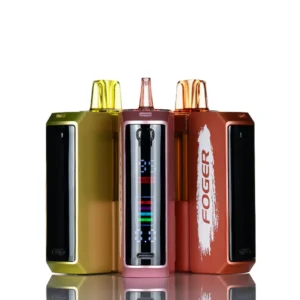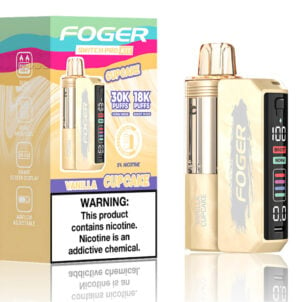
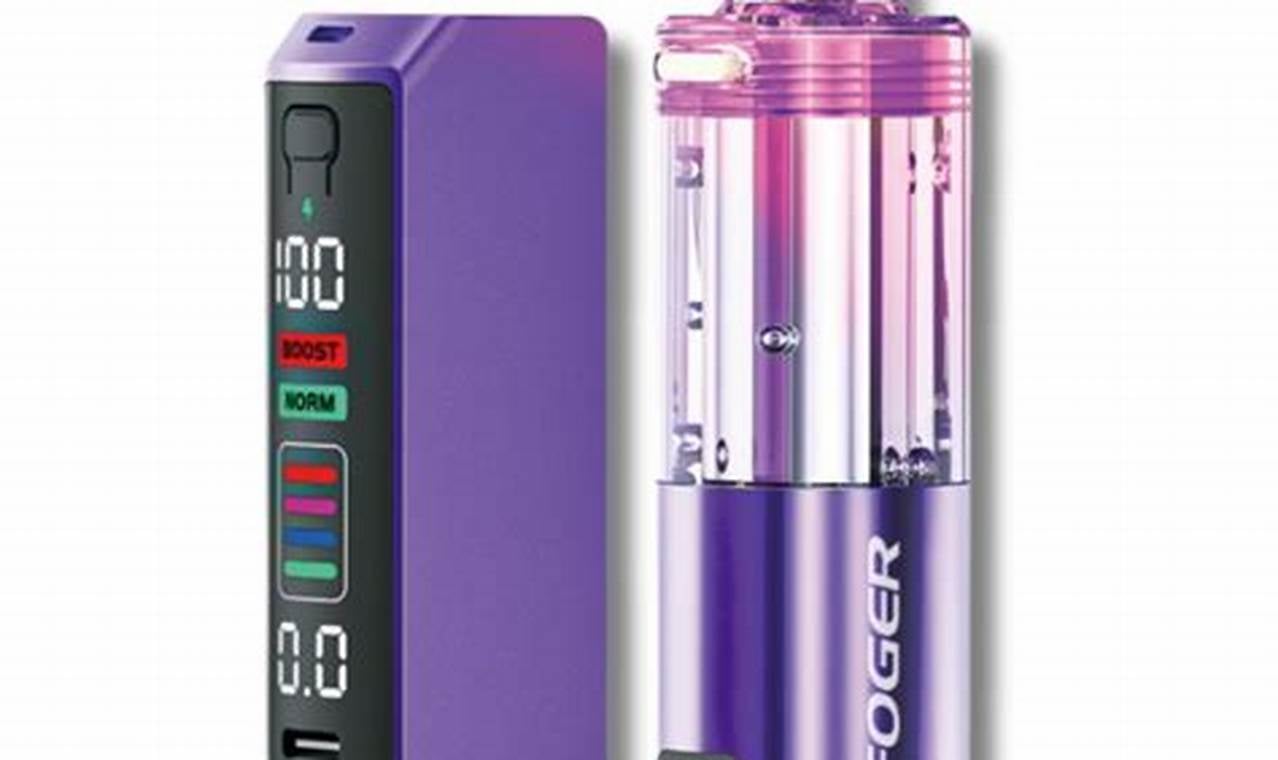
The Foger Switch already comes with everything required to charge it. That is exactly why the Switch Pro Charging Device confuses people when they first spot it on the shelf. It is not a replacement part, and it is not required to keep the kit running.
What it is is simpler than the name suggests: a dedicated charging base built specifically for the Switch kit, designed to take the guesswork out of daily charging and make life easier for anyone juggling more than one device.
Our guide covers what the Switch Pro Charging Device actually does, who genuinely benefits from owning one, and exactly how to use it once it is in your hands:
TLDR:
- The Switch Pro Charging Device is an optional dock-style charger built for the Foger Switch kit, not the pod.
- It is not required. The standard USB-C cable that ships with the kit still works fine on its own.
- It earns its keep for people who own multiple kits, charge daily, or want a stable place to set the device down while it charges.
- Only the kit charges. The pod holds e-liquid and a coil and is replaced, never charged.
- Setup takes under a minute and does not require any pairing or app.
- A steady light confirms charging; a blinking or absent light usually means a seating or connection issue, not a broken unit.
What Is the Foger Switch Pro Charging Device
The Switch Pro Charging Device is a small dock that the Switch kit sits into, rather than a cable that plugs directly into the kit’s port. Electricity runs from the dock into the kit through a contact connection instead of a USB-C insertion every time.
Kit vs pod: a quick refresher
The Foger Switch system has two parts, and mixing them up is the most common source of confusion. The kit is the battery unit. It is the only part that charges, and it does so through USB-C or, with this accessory, through the dock. The pod holds the e-liquid and coil. It clicks into the kit, gets used until empty, and then gets replaced. A pod never needs to be charged, and setting one on a charger will not do anything.
Do You Need One?
For a single kit charged once every few days, the answer is usually no. The included cable does the job. The dock starts to make sense once charging becomes a daily habit or more than one kit is in rotation.
Situation | Worth Buying? | Why |
|---|---|---|
You own one Switch kit and charge it occasionally | Not necessary | The stock USB-C cable already covers this |
You charge every single day | Worth it | A dock reduces wear on the port from repeated plugging |
You own two or more Switch kits | Worth it | Rotate kits through the dock without juggling cables |
You keep losing or misplacing your charging cable | Worth it | A dedicated dock stays in one place on a desk or counter |
You are buying one as a gift alongside a kit | Nice add-on | Makes the kit feel more complete out of the box |
How to Use the Switch Pro Charging Device
- Plug the charging dock into a USB-C cable connected to a wall adapter or computer.
- Remove the pod from the Switch kit before docking it, if your routine allows. This is not required, but it keeps the connection point clean.
- Set the kit into the dock so the contact points align. Most docks have a slight indent or ridge that guides the kit into place.
- Check for the indicator light to confirm a connection has been made.
- Let the kit charge fully before removing it. A full charge from empty typically takes under an hour.
- Reattach the pod once the kit is charged and get back to using it as normal.
Indicator Light Reference
Light Behavior | Meaning | What to Do |
|---|---|---|
Solid light on the dock and kit | Charging normally | Leave in place until charging finishes |
Light turns off while docked | Charge complete | Remove the kit and reattach the pod |
No light when the kit is seated | Poor contact or misalignment | Remove and reseat the kit, checking for debris on the contacts |
Light flickers on and off repeatedly | Loose or unstable connection | Try reseating the kit or test a different outlet |
Common Issues
The kit will not charge in the dock
Check the contact points on both the kit and the dock first. Lint, pocket dust, or leftover e-liquid residue on either surface can block the connection. A dry cloth usually solves it.
The light never turns on
Confirm the dock itself is receiving electricity. Test the USB-C cable and wall adapter with another device before assuming the dock is faulty.
The kit charges slower than expected
Swap the adapter, not the dock. A low-output adapter, such as one meant only for small accessories, will noticeably slow down charging time.
Getting the Most Out of It
- Wipe the dock contacts and the kit’s charging points every so often to keep the connection reliable.
- Keep the dock on a flat, stable surface so the kit sits evenly every time.
- Do not leave the kit docked for days at a time once it is fully charged.
- If you own multiple kits, label them or stagger charging so you always know which one is ready to go.
FAQ
Does the Switch Pro Charging Device work with other Foger devices?
It is built specifically for the Foger Switch kit. Other Foger devices with a different shape or contact layout are not guaranteed to fit properly.
Can I still use a regular USB-C cable if I own the dock?
Yes. The dock is an alternative charging method, not a replacement. The kit still has its own USB-C port for a standard cable.
Does the pod charge in the dock too?
No. The pod contains only e-liquid and a coil. It never charges, whether on a cable or in the dock.
Is the Switch Pro Charging Device worth it for a single kit owner?
For occasional use, not really. It becomes more useful once charging becomes a daily routine or the port starts showing wear.
How do I know when the kit is fully charged in the dock?
The indicator light turns off once charging is complete on most units. Check the light before assuming it is done.
What do I do if the kit will not sit flush in the dock?
Remove the pod first and check for any debris around the contact area. A kit that will not seat properly is usually being blocked by something small.
Final Thoughts
The Switch Pro Charging Device will not turn a Foger Switch into a different device. It simply removes a small daily hassle for the people who charge often or manage more than one kit at a time.
If a single cable already fits your routine, there is no need to add this to your cart. If charging has started to feel like a chore, this is the accessory built to fix that.
-
 Rated 4.92 out of 5$18.99Select options This product has multiple variants. The options may be chosen on the product page19 point item
 -
 Rated 4.93 out of 5$18.99Select options This product has multiple variants. The options may be chosen on the product page19 point item
 -
Rated 4.89 out of 5$23.99 – $27.99Price range: $23.99 through $27.99Select options This product has multiple variants. The options may be chosen on the product page24-28 point item