
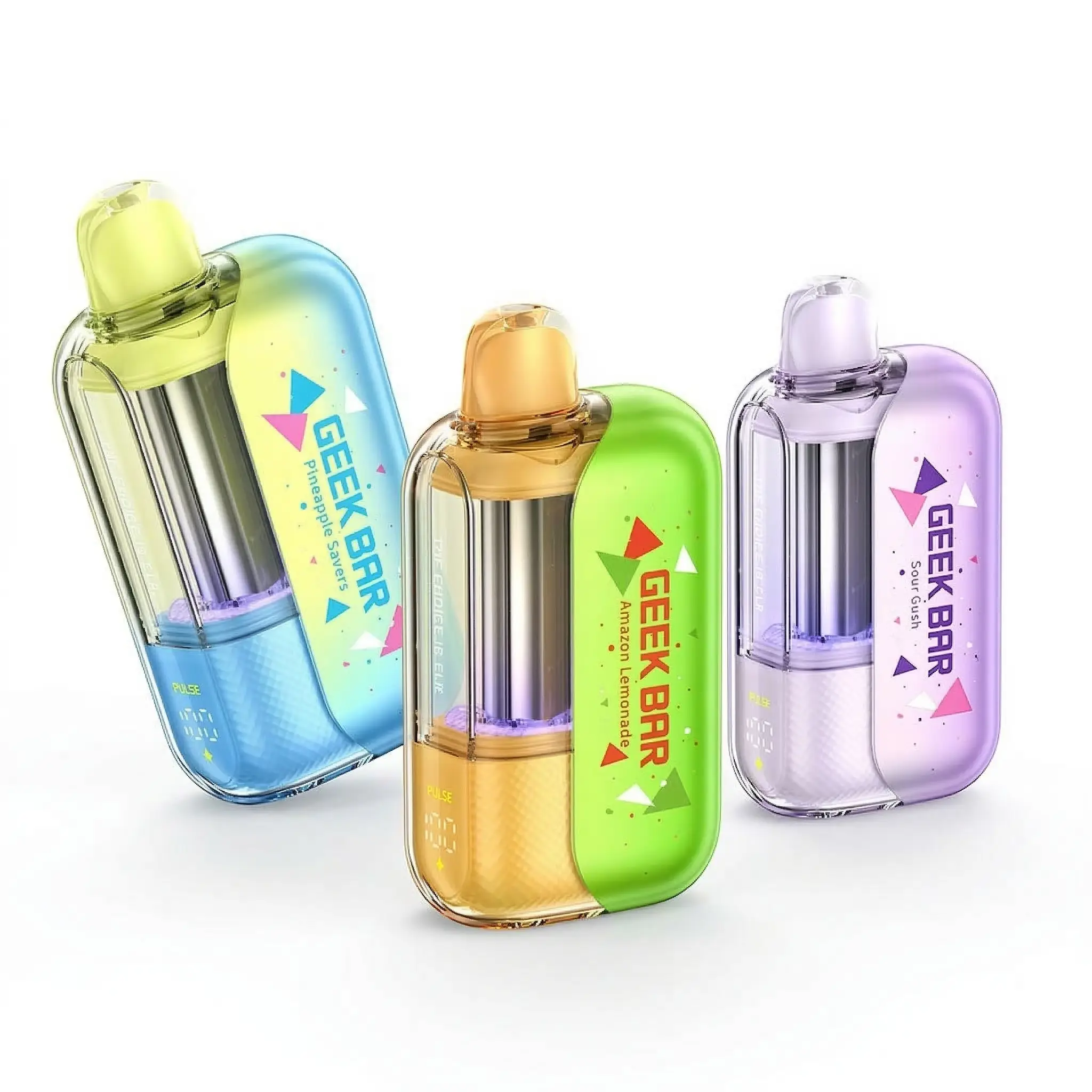
Geek Bar stopped making single-use-only devices a while back, and now Pulse, Pulse X, Pulse X 2, Pulse 2, and Meloso Max all carry a built-in rechargeable battery inside that shell. The e-liquid runs out eventually, but the battery does not have to die first.
The confusion starts with accessories. Search “Geek Bar charger” and you will find magnetic charging cables, portable battery packs, and generic USB-C cords, all claiming to be the right fit. Some are. Some are a waste of money for a device that already ships with everything it needs.
Our guide breaks down what actually charges a Geek Bar, what the indicator lights mean, and which accessories are worth buying versus skipping entirely:
TLDR:
- Most current Geek Bar disposables (Pulse, Pulse X, Pulse X 2, Pulse 2, Meloso Max) have a built-in USB-C port. You do not need a special charger.
- Magnetic chargers are a convenience accessory, not a requirement. They save wear on the port but charge at the same speed as a standard cable.
- Portable battery packs matter most for travel days when an outlet is not nearby.
- A full charge from empty typically takes 45 to 75 minutes depending on the model and the output of the charger.
- A blinking or unresponsive light almost always means a cable or port issue, not a dead device.
- Charging habits affect how many puffs you actually get before the flavor fades. Topping off early and often beats letting the battery hit zero.
Know Your Geek Bar Device Before You Charge It
Unlike pod systems with a separate battery and cartridge, nearly every current Geek Bar model is one sealed unit. The battery, the coil, and the e-liquid reservoir all live inside a single shell. There is no pod to pop off and no separate charging dock required for the device itself.
Built-in USB-C models
Pulse, Pulse X, Pulse X 2, Pulse 2, and Meloso Max all charge through a USB-C port on the bottom or side of the device. Plug in any USB-C cable, and the built-in battery starts topping off. No adapter, no pairing, and no setup.
Magnetic charger accessory
A magnetic charging cable snaps onto a small pin pad near the port instead of inserting into it. It is not faster than a standard USB-C cable, but it is easier on the port over time, since there is no repeated plugging and unplugging to wear down the connection. Worth it if you charge daily and hate fumbling with a cable in low light. Skip it if you charge once every few days.
Portable battery packs
A battery pack does exactly what it sounds like: it lets you charge on the go without hunting for an outlet. For anyone who travels, works long shifts away from a plug, or just forgets to charge overnight, a small 5,000mAh pack is enough to top off a Geek Bar several times over before the pack itself needs a recharge.
How to Charge Your Geek Bar: Step by Step
- Locate the charging port. On most models, it sits at the bottom of the device, marked with a small USB-C symbol.
- Plug in a USB-C cable, or attach a magnetic charger to the pin pad if your device supports one.
- Connect the other end to a wall adapter, computer USB port, or portable battery pack.
- Watch for the indicator light or screen to confirm charging has started.
- Let it charge fully before unplugging. Most models signal a full charge with a solid light or a screen icon change.
- Disconnect the cable and store the device somewhere that is not extremely hot or cold.
Indicator Light Reference
Light or Icon | Meaning | What to Do |
|---|---|---|
Solid light while plugged in | Actively charging | Leave it connected until the light changes or turns off |
Light turns off while plugged in | Charge complete | Unplug and use as normal |
Slow blinking during charge | Normal charging cycle on some models | No action needed, just let it finish |
Fast blinking, will not stop | Connection issue or low-quality cable | Try a different cable or port |
No light at all when plugged in | Dead cable, bad port, or battery fault | Test with a known-good cable first |
Screen shows a battery icon (Pulse X 2, Pulse 2) | Displays remaining charge level | Use as a general guide, not an exact percentage |
Common Charging Issues
Device will not charge at all
Start with the cable, not the device. A surprising number of “dead” Geek Bars are actually dead cables. Swap in a cable you know works with something else, and test again before assuming the worst.
Battery drains faster than the e-liquid
This usually points to chain vaping or extra-long draws. Pulling harder and longer than a normal cigarette-style puff drains the battery faster than it burns through e-liquid, especially in dual-mode devices left on the higher output setting.
LED keeps blinking fast and never settles
Disconnect everything and try a different outlet or port. Fast, continuous blinking is the device’s way of saying it does not recognize a stable connection, not that it is broken.
Charging cable or device gets warm
A little warmth is normal. Excessive heat is not. If the device is hot to the touch rather than just warm, unplug it immediately, let it cool, and switch to a different charger before trying again.
Battery Longevity Tips
- Charge before the battery hits zero rather than letting it die completely regularly.
- Avoid leaving the device plugged in for hours after it finishes charging.
- Keep it out of direct sunlight and hot cars. Heat is the fastest way to shorten battery life.
- Use a cable rated for at least 5V/1A. Cheap cables charge slowly and can trigger false error blinks.
- If a device sits unused for more than a week, give it a short top-off charge before your next session.
FAQ
Do all Geek Bar devices have a rechargeable battery?
No. Some older or budget models are single-use with no charging port. Check the bottom of the device for a USB-C port before assuming it is rechargeable.
Can I use my phone charger on a Geek Bar?
Yes, as long as it has a USB-C connector. The charging speed will depend on the adapter’s output, but any standard USB-C cable and wall block will work.
How long does a full charge last?
It depends on usage style and the model, but a full charge on most current Geek Bar devices supports a full day of normal use for most people.
Is it safe to charge a Geek Bar overnight?
The built-in circuitry stops drawing current once the battery is full, so occasional overnight charging is not dangerous. It is still better habit-wise to unplug once it is done.
Why does my magnetic charger feel weaker than a regular cable?
A loose magnetic connection or dust on the pins can reduce contact quality. Wipe both the pin pad and the charger tip with a dry cloth and reconnect.
Does a battery pack charge a Geek Bar faster?
No. A battery pack only supplies electricity on the go. Charging speed depends on the cable and the pack’s output, not the fact that it is portable.
Final Thoughts
A dead battery before the e-liquid runs out is one of the most avoidable letdowns with a modern Geek Bar. Most of the time, it comes down to an unfamiliar port, the wrong cable, or a charging habit that needs a small adjustment.
Whether you stick with a basic USB-C cable, add a magnetic charger for convenience, or carry a battery pack for travel days, the goal is the same: get every puff the device was built to deliver.
-
 Rated 4.88 out of 5$24.99Select options This product has multiple variants. The options may be chosen on the product page25 point item
 -
 Rated 5.00 out of 5$22.99Select options This product has multiple variants. The options may be chosen on the product page23 point item
 -
 Rated 5.00 out of 5$24.99Select options This product has multiple variants. The options may be chosen on the product page25 point item
 -
 Rated 5.00 out of 5$15.99Select options This product has multiple variants. The options may be chosen on the product page16 point item
